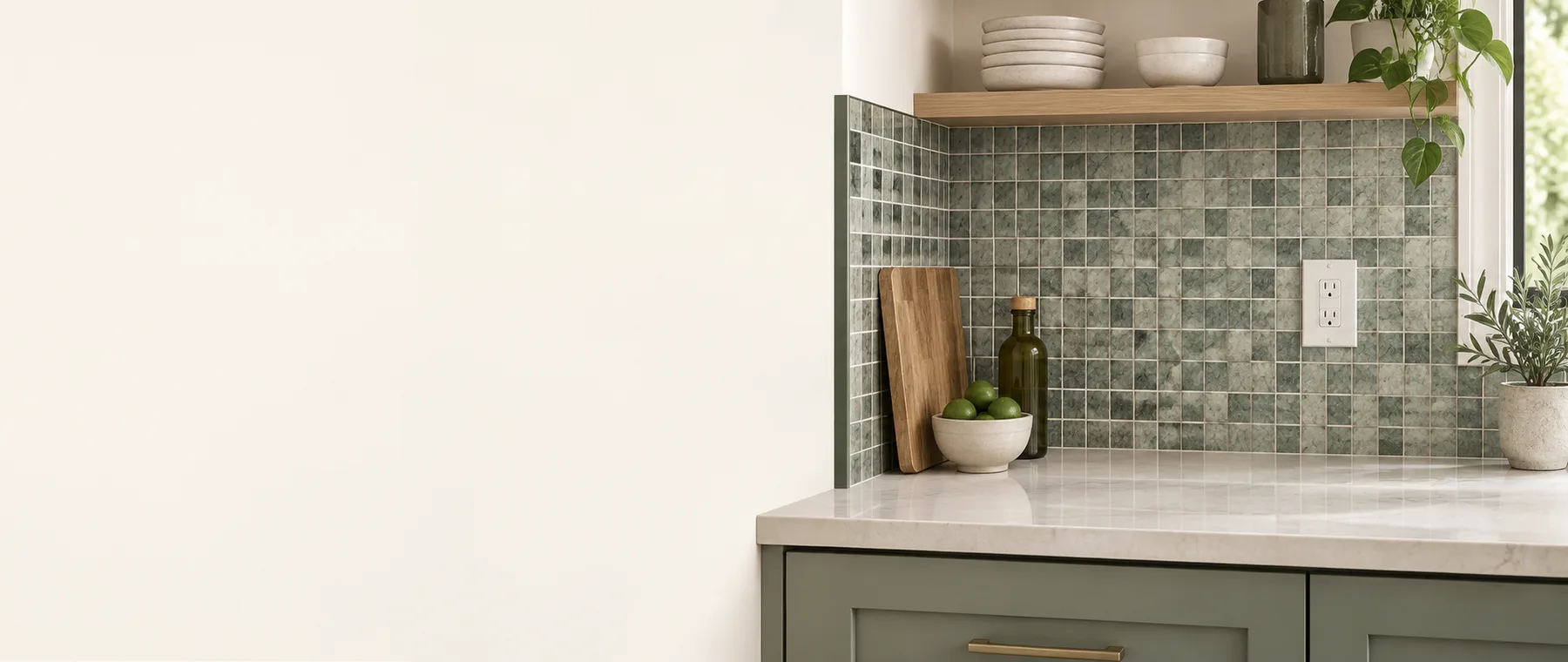
Backsplash Tile Calculator
Estimate backsplash tile and trim with outlet-aware exclusions and whole-sheet rounding.
- Gross backsplash
- 24 ft²
- Order area
- 27.6 ft²
- Tile sheets / units
- 28
- Edge trim
- 8.8 ft
Small outlet cutouts often do not eliminate a purchasable sheet. Subtract exclusions only when they truly reduce the order, and verify trim profiles and inside/outside corners.
Show calculation
ceil[((24 − 0) ft² × 1.15) ÷ 1 ft²] = 28Transparent method and editable product assumptions. Verify current labels and project requirements.
How this calculator works
Run length multiplied by backsplash height gives gross wall area. Only exclusions that actually eliminate purchasable material should be subtracted.
The net area receives a tile allowance and is divided by the exact coverage of one mosaic sheet, tile, or carton. Exposed-edge trim is calculated as a separate linear quantity.
Outlets often consume a cutout from a sheet rather than a whole sheet. Corners, feature panels, range hoods, windows and pattern centering should be drawn before ordering.
Formula
Tile units = ceil[(run × height − usable exclusions) × allowance ÷ coverage per unit]The live result also reports trim length.Control example: 16 ft × 18 in backsplash
Gross area is 24 ft². With no whole-sheet exclusions and 15% allowance, order area is 27.6 ft².
At 1 ft² per mosaic sheet, round up to 28 sheets; trim length is listed separately.
Assumptions and limits
- Measure each run and exposed edge, then check tile sheet or carton coverage and trim-piece stock length on the selected product.
- Measurements describe one simple project geometry.
- Waste and package values are editable planning assumptions.
- It does not optimize cuts, center a pattern, select trim profiles, design the substrate, or determine electrical clearances.
Common measuring mistakes
- Mixing nominal dimensions with actual installed coverage.
- Skipping whole-package or stock-length rounding.
- Failing to verify the page’s stated measurement and product assumptions.
- Using a planning estimate outside the limitations stated on this page.
Sources
Product-specific values remain editable. These sources support the method and stated examples; they are not a universal substitute for your supplier’s current label.
- The Home Depot tile layout guide Supports measuring rectangular sections, dry layout, centering and editable material allowance.
- Lowe’s tile project planner Shows area plus allowance divided by product coverage and rounded to whole cartons.
Questions people ask
What does the Backsplash Tile Calculator calculate?
Calculate backsplash tile sheets or package units from run length, height, usable exclusions, waste, sheet coverage, and exposed edge trim.
How does this backsplash tile calculator work?
Tile units = ceil[(run × height − usable exclusions) × allowance ÷ coverage per unit]
Which measurements should I enter?
Measure each run and exposed edge, then check tile sheet or carton coverage and trim-piece stock length on the selected product.
Does the estimate include every project requirement?
No. It does not optimize cuts, center a pattern, select trim profiles, design the substrate, or determine electrical clearances.
Can I use metric measurements?
Yes. Switch to Metric above the form. The calculator converts the displayed measurements while keeping the same geometry and whole-item rounding.